Spot Phishing Emails: Protect Yourself from Online Scams
admin
1 month ago
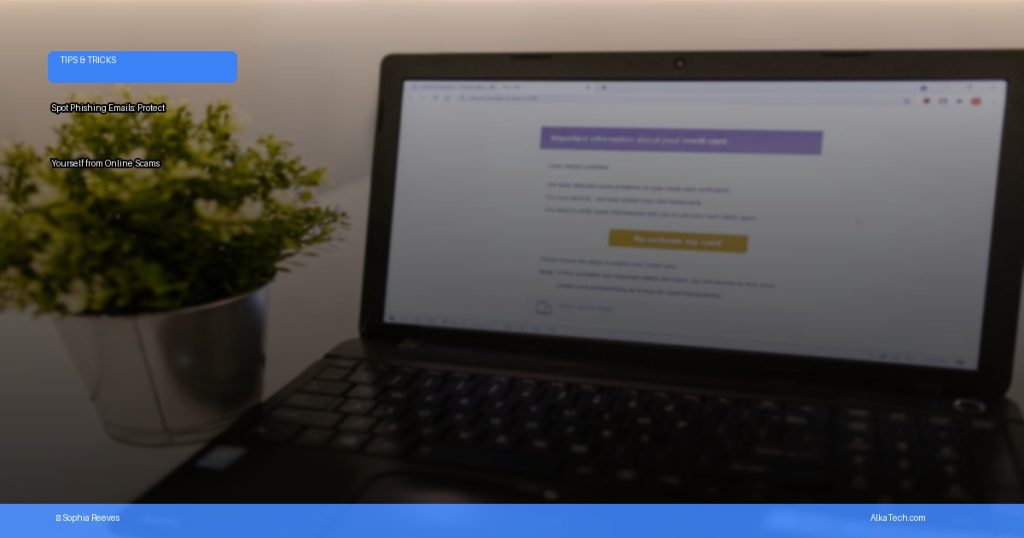
In our hyper-connected world, where convenience often comes with a side of caution, knowing how to spot phishing emails has become an essential digital survival skill. It’s not just about protecting your personal data anymore; it’s about safeguarding your entire online presence and financial well-being from cunning online scams. As your trusted tech guide at AlkaTech, I’ve spent years dissecting the digital landscape, and one constant threat remains the sophisticated art of the phisher. These malicious actors constantly evolve their tactics, making it harder to discern legitimate communications from dangerous traps. But with a keen eye and a bit of knowledge, you can become a formidable first line of defense in your own internet safety. (See also: Machine Learning in Healthcare Diagnostics: An AlkaTech Guide)
Phishing is a deceptive practice where cybercriminals attempt to trick individuals into revealing sensitive information, such as usernames, passwords, credit card numbers, or other personal details, by masquerading as a trustworthy entity. This often comes in the form of emails, but can also extend to text messages (smishing) or phone calls (vishing). The consequences of falling victim to a phishing attack can range from identity theft and financial loss to compromised accounts and reputational damage. The good news? Many phishing attempts share common red flags. Let’s dive into how you can arm yourself with the knowledge to recognize and avoid these digital dangers. (See also: Machine Learning in Healthcare Diagnostics: A Deep Dive)
Mastering the Art to Spot Phishing Emails

Scrutinize the Sender’s Email Address
This is often the most glaring giveaway. While a scam email might display a familiar name, always hover over or click (cautiously, in a safe environment) to reveal the actual sender’s email address. Look for subtle misspellings, extra characters, or unusual domains. For example, an email supposedly from “PayPal” might come from
❓ Frequently Asked Questions
What is a phishing email?
A phishing email is a fraudulent attempt to trick you into revealing sensitive information, such as usernames, passwords, and credit card details, by impersonating a trustworthy entity in an electronic communication.
How can I identify a phishing email?
Look for generic greetings, suspicious sender addresses, urgent or threatening language, requests for personal information, unusual links, and grammatical errors. Always verify the sender before clicking.
What should I do if I receive a phishing email?
Do not click on any links, download attachments, or reply to the email. Mark it as spam or junk, then delete it. If it spoofs a legitimate company, consider reporting it to them.
How can I protect myself from online scams generally?
Use strong, unique passwords, enable two-factor authentication, keep software updated, be cautious of unsolicited messages, and regularly monitor your financial accounts for unusual activity.



Leave a Reply